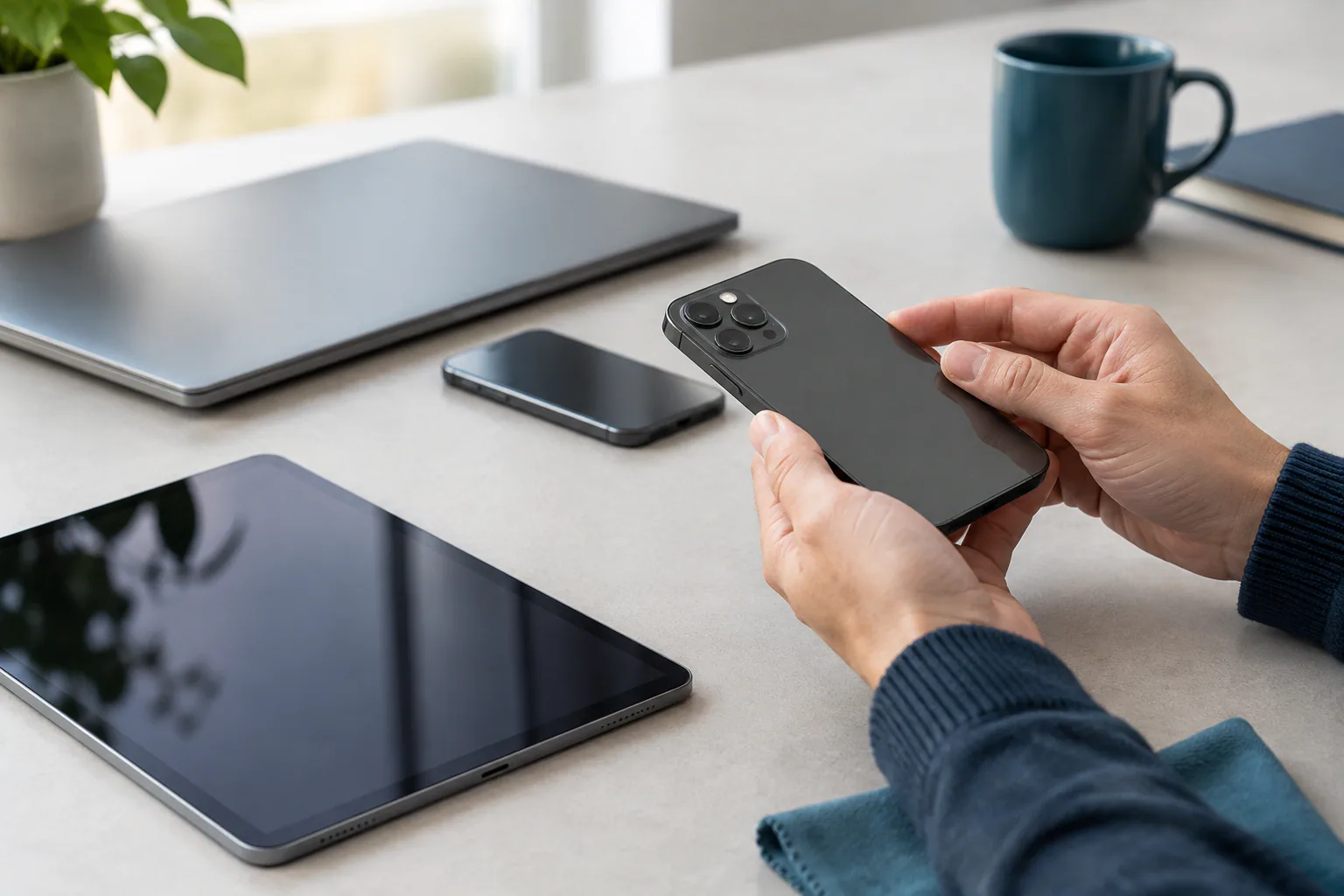
Understanding cosmetic grades for refurbished devices
When buying a refurbished device, the cosmetic grade describes the physical condition you can expect. Grading helps buyers compare products and make informed decisions about price, appearance and risk. This article explains the common grades — Excellent, Very Good, Good and Fair — what they typically mean for phones, laptops and tablets, and how to verify a grade before you buy.
Why cosmetic grades matter
Cosmetic grading affects resale value, buyer satisfaction and return likelihood. Two devices with identical technical performance can look very different, and the grade determines whether a device looks almost new or clearly used. Clear, consistent grading helps you match expectations with price.
Overview of the common grades
| Grade | Typical appearance | Common price/expectation |
|---|---|---|
| Excellent | Minimal to no visible marks; may look new; tiny hairline scratches in discreet areas are possible. | Highest price for refurbished; close to like-new appearance. |
| Very Good | Minor signs of use such as small scuffs or very light scratches; no dents or cracks; screen generally clear. | Lower than Excellent but still premium; good balance of appearance and value. |
| Good | Noticeable wear including scratches, scuffs, possibly small dings; fully functional but visibly used. | Attractive price for functional devices where appearance is secondary. |
| Fair | Heavier wear such as deep scratches, scuffs, paint loss, visible dents; may have replaced panels; fully functional but clearly second‑hand. | Lowest price band for working devices; suitable for budget buyers or non‑cosmetic uses. |
How grades translate to different device types
Although the grade names are the same across device categories, their practical meaning differs by device type and component:
- Smartphones: Scratches on the back glass or metal frame, small chips on camera bezels or hairline marks on the screen are common grading factors. A cracked screen will usually downgrade the unit unless the screen has been professionally replaced and graded accordingly.
- Laptops: Keyboard key wear, hinge creaks, dents on the lid, scuffed corners and screen bezel marks influence grading. Internal components (battery health, SSD/HDD, RAM) are typically graded separately as functional condition.
- Tablets: Surface scratches, scuffs on bezels and minor screen marks are common. Heavier marks or deep dents reduce the cosmetic grade significantly for handheld devices.
What "functional" means versus "cosmetic"
A cosmetic grade describes appearance only. A device graded as Fair may still be fully functional with a healthy battery and working components. Conversely, a device that looks Excellent could have technical issues if not correctly tested. Always check the seller's statements on testing, warranty and included functional checks.
What buyers should expect for each grade
-
Excellent
Expect a device that looks indistinguishable from new at arm's length. Any marks should be extremely minor and not noticeable in normal use. Packaging may be generic; accessories may be third‑party unless specified.
-
Very Good
Expect light wear such as fine surface scratches or tiny scuffs. Screen should be clear without deep scratches, and cameras and ports should be fully functional. A reasonable balance between price and appearance.
-
Good
Expect visible signs of use. The device will be fully operational but show marks that you can see during normal handling. Check photos carefully and accept that the device will not look new.
-
Fair
Expect prominent cosmetically damaged areas: deep scratches, paint loss, or small dents. Function should be intact, but cosmetic defects are obvious. Suitable where performance matters and appearance doesn’t.
Questions to ask and checks to make before you buy
- Ask for high‑resolution photos from multiple angles, including close‑ups of any blemishes.
- Verify whether the screen has been replaced and if replacement parts are original or aftermarket.
- Confirm battery health or estimated cycle count for phones and laptops; battery condition affects usability more than minor cosmetic marks.
- Check what accessories are included and whether chargers or cables are OEM or third‑party.
- Confirm the seller’s return policy, warranty period and what it covers (cosmetics vs. functionality).
- Ask whether the unit has been professionally refurbished, inspected or simply graded by the reseller. Refurbishers such as PLC Solutions typically describe testing and refurbishment steps, which can help set expectations.
On arrival: inspection checklist
When your device arrives, inspect it promptly:
- Compare the unit to the listing photos to ensure the described marks match.
- Power on and run through basic functions: screen responsiveness, cameras, speakers, microphones and ports.
- Check battery performance by using the device for a short session; if battery health was specified, compare with the claim.
- Look for any hidden damage such as screen lift, unaligned panels or loose hinges on laptops.
- If you spot a discrepancy between the grade and the actual condition, contact the seller immediately and be prepared to use the returns procedure if needed.
Tips to get the best value
- Decide which cosmetic imperfections you can live with. Minor scratches on the back often don’t affect usage but can save you money.
- For devices you handle frequently (phones, tablets), prioritise better screen condition and battery health over a pristine case.
- If you need a device for display or client-facing use, choose Excellent or Very Good to maintain professional appearance.
- Look for sellers who provide detailed photos and transparent grading notes; this reduces the chance of surprises on arrival.
Final notes and practical cautions
Grading systems are helpful but not universal: definitions can vary between sellers. Where precise condition is critical, request exact descriptions and photos rather than relying solely on grade names. If you have specific legal, warranty or compliance requirements (for example for corporate procurement), verify them independently and confirm with the seller in writing.
Understanding cosmetic grades helps you match price to appearance and avoid disappointment. With a little due diligence — clear questions, good photos and prompt inspection on arrival — you can buy refurbished devices with confidence.
Note: PLC Solutions is one example of a refurbisher and reseller; check individual seller policies and descriptions to ensure the grade meets your needs.